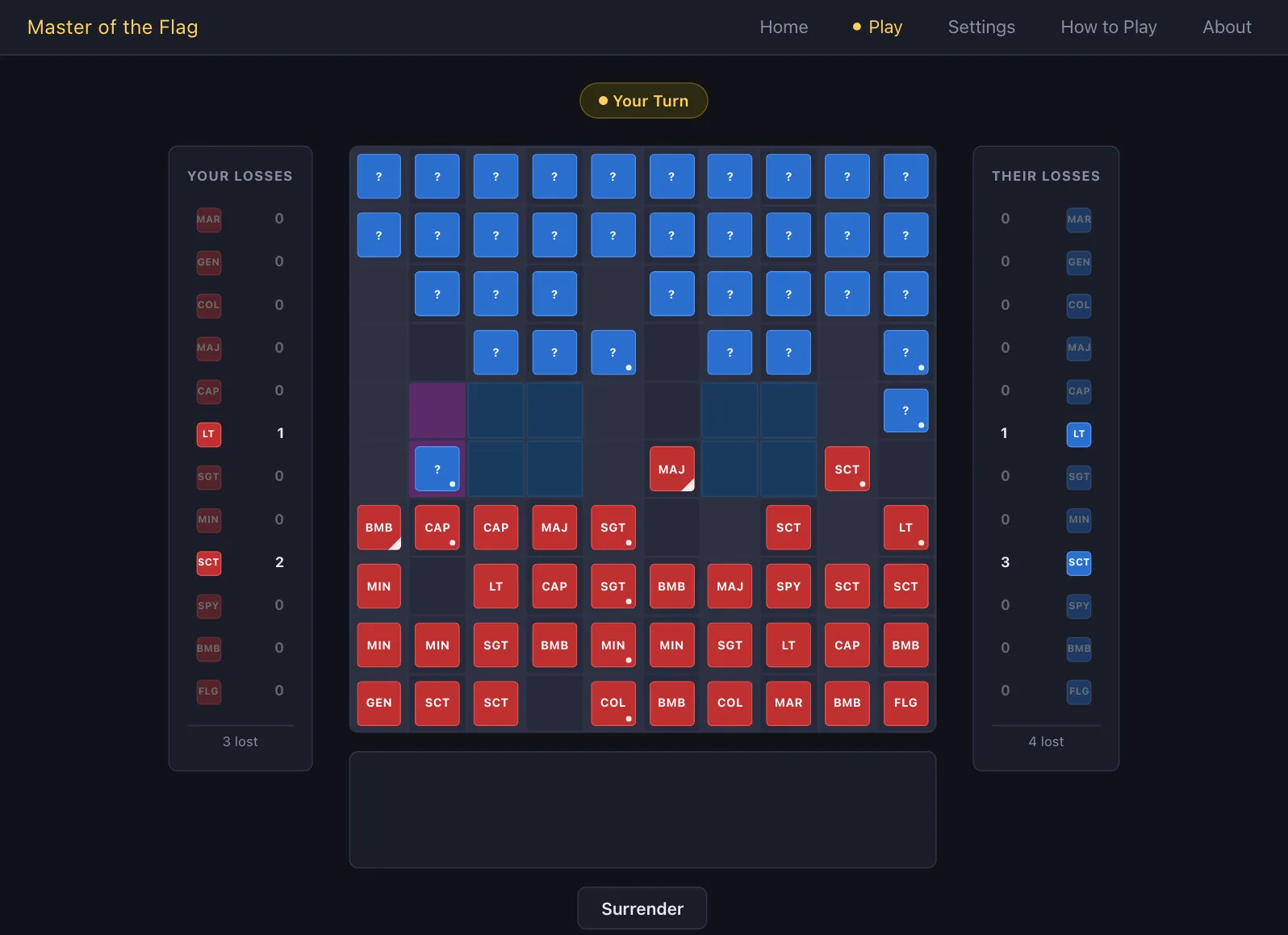
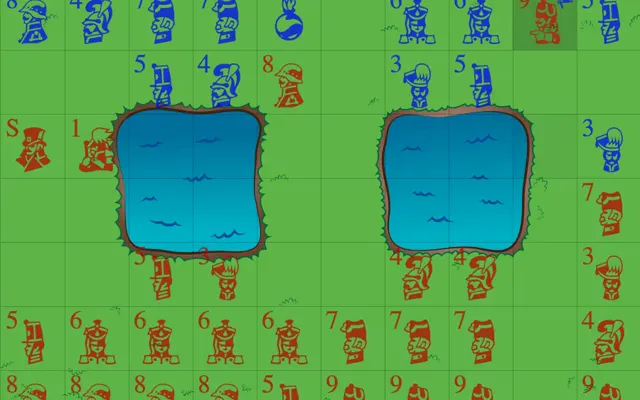
Play Stratego vs Computer Free
Press Play above and a Stratego vs computer game starts on this page. The board is Master of the Flag, a free Stratego-style game by jayoogee: the same 10×10 board with two lakes, the same 40-piece army and the same hidden ranks, with the computer as your opponent. It replies to each of your moves after a short pause, so you never wait for another player. There is no account, payment or download.
The Stratego game on our homepage works differently: it matches you with people, a random opponent or a friend, and has no computer side. Use this page when you want a game right now, want to practise a setup, or simply prefer to play alone.
How to Play Stratego Against the Computer
A Stratego vs computer game here has the same three stages as any game: you set up, you trade moves, and the game ends when one army can no longer go on.
Set Up Your Army
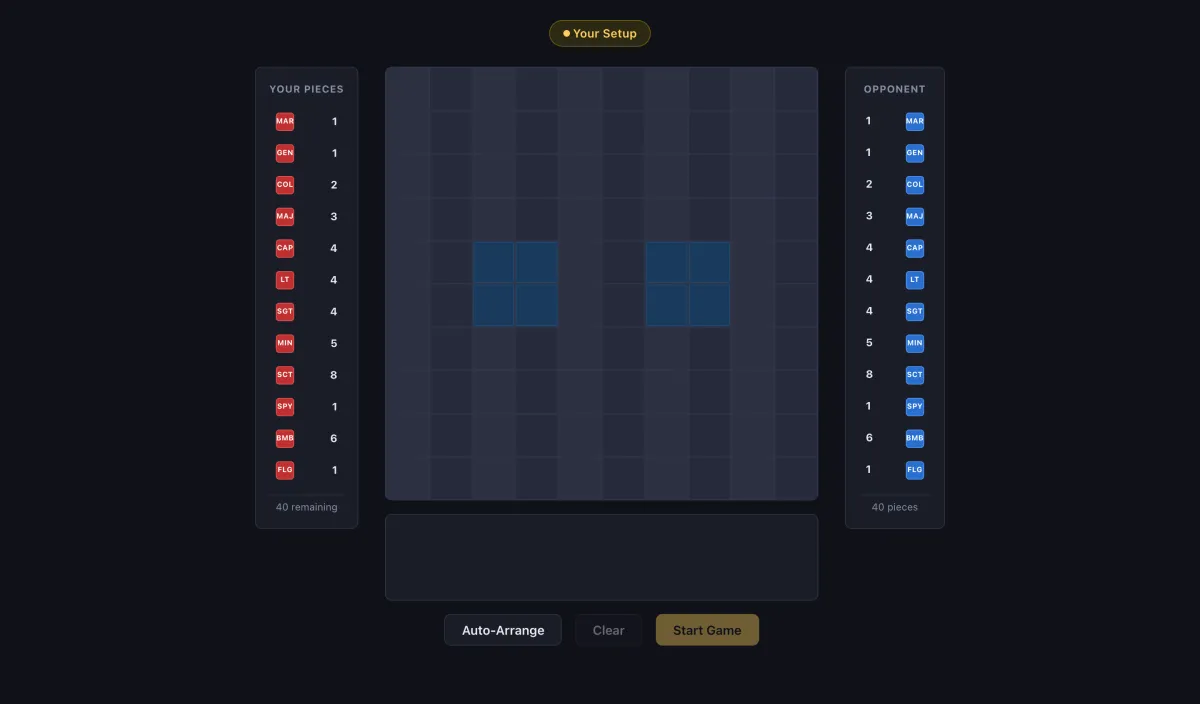
Your 40 pieces start in a list next to the board, or below it on a phone. Press Auto-Arrange to fill your four rows at once; press it again for a different layout. To build your own setup, pick a piece in the list and then click an empty square in your rows. Clicking a placed piece sends it back to the list, and Clear empties the board. Start Game unlocks when all 40 pieces are down.
If you want a tested layout instead of a random one, copy one from our best Stratego setup page piece by piece.
Move and Attack
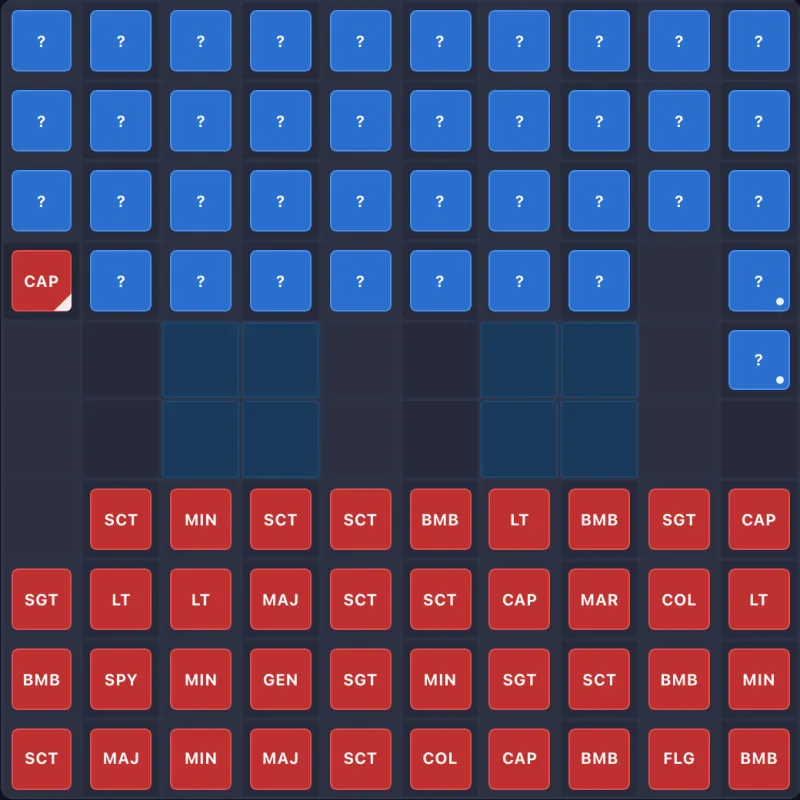
When the label above the board says Your Turn, click one of your pieces. The squares it can reach are marked, and an enemy piece it can attack is marked too. Click a marked square to move or attack. On a phone, tap the piece and then tap the square. The computer replies on its own, and a short note under the board lists the pieces each side lost on the last move.
The rules are the classic ones: one square at a time, Scouts across any number of empty squares, the stronger piece wins a battle, the Spy beats the Marshal only when it attacks, and only a Miner can clear a Bomb. Our Stratego rules page explains every case.
Win, Lose or Start Again
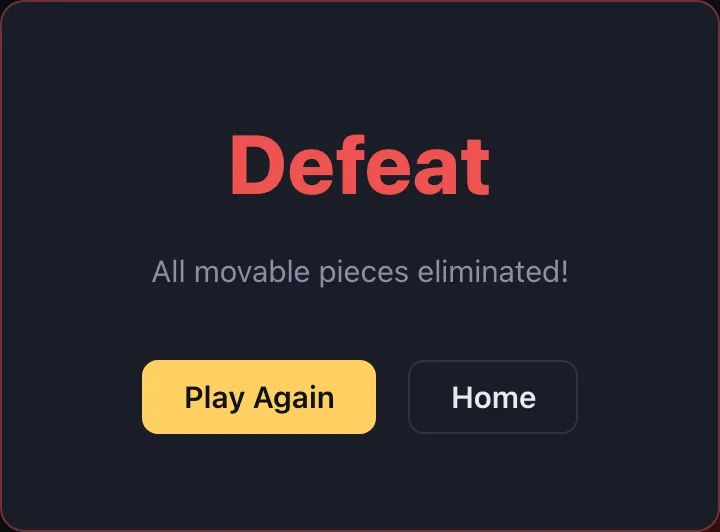
You win by capturing the computer's Flag or by removing every piece it can move, and the computer wins the same way. A dialog then names the result, with Play Again for a fresh setup. If a game is going badly, Surrender under the board ends it early.
Piece Names in This Stratego vs Computer Game
This board shows short names instead of numbers. Hold the pointer over a piece and it shows the rank in the numbering where the Marshal is 10, the opposite of the homepage game's default, where the Marshal is 1.
| On the board | Piece | Rank shown on hover | Homepage game |
|---|---|---|---|
| MAR | Marshal | 10 | 1 |
| GEN | General | 9 | 2 |
| COL | Colonel | 8 | 3 |
| MAJ | Major | 7 | 4 |
| CAP | Captain | 6 | 5 |
| LT | Lieutenant | 5 | 6 |
| SGT | Sergeant | 4 | 7 |
| MIN | Miner | 3 | 8 |
| SCT | Scout | 2 | 9 |
| SPY | Spy | 1 | S |
| BMB | Bomb | – | Bomb |
| FLG | Flag | – | Flag |
Settings has one switch, Visual Aids, which is on at first. With it on, a computer piece you have seen in battle keeps its name on the board, and moved pieces carry a small mark. Two lists count the pieces each side has lost. Together they make this game easier to follow than the homepage board, where a revealed piece soon turns back into a question mark.
Stratego vs Computer or Against People?
Both boards play by the same rules, so practice here carries over. The difference is in who you face and how much the screen helps you.
| This page: Master of the Flag | Homepage: stratego.io | |
|---|---|---|
| Opponent | The computer | A random player or a friend |
| Setup | Auto-Arrange, or place pieces one by one | Swap pieces; your last setup is kept |
| Piece labels | Short names, Marshal 10 on hover | Numbers, Marshal 1 by default |
| Revealed enemy pieces | Stay named with Visual Aids on | Soon hidden again |
| Losses | Listed for both sides | Not listed |
| End of game | Result dialog, Play Again, Surrender | Every piece revealed, no dialog |
A good order for a new player: learn the moves in a Stratego vs computer game here, then play Stratego online against people, where bluffing and memory matter more. Our Stratego strategy guide covers both.
How to Win a Stratego vs Computer Game
The computer here is a tough opponent. In four test games against it, the computer won three and we won one. It replies in about a second, sets up a different army each game and plays every game to the end by the rules.
What the Computer Does
- It attacks pieces it has not seen. It often sends a Scout on a long attack, and it also hits unknown pieces with stronger ones.
- It hunts weak pieces it has found. After one of our Miners was revealed, a computer Sergeant followed it down the column and took it.
- It keeps its Spy close to the action. In all four games the computer's Spy took our Marshal, three times right after our Marshal had captured a piece next to it.
- It sends Miners at Bombs. It cleared one of our Bombs with a Miner.
- A piece that never moves is not always a Bomb. In one game the computer's Marshal stayed on its starting square for 130 turns.
What Worked Against It
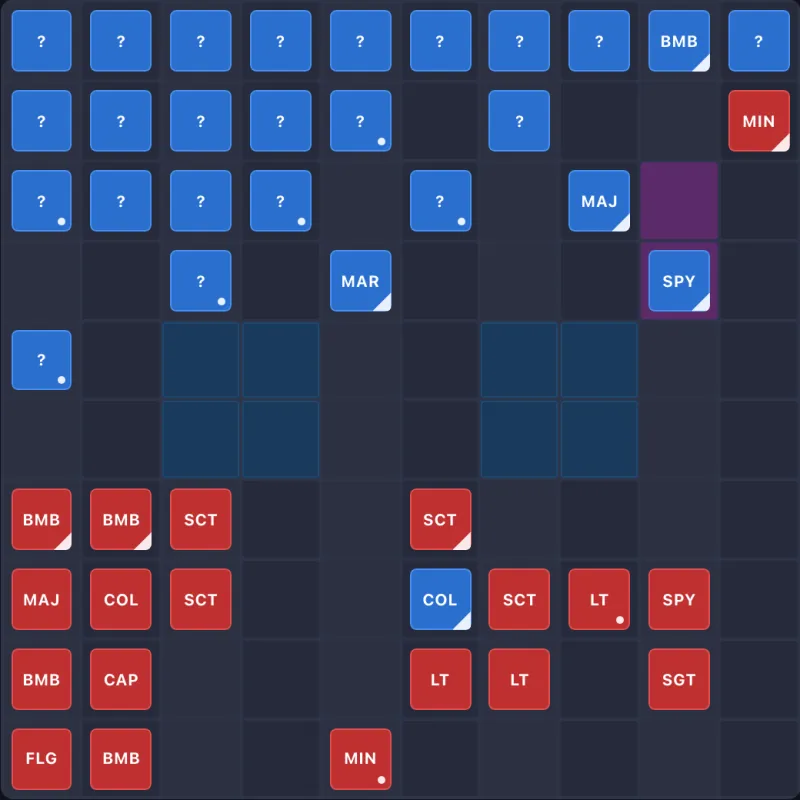
- Keep your Marshal away from unknown pieces. Before it takes a revealed piece, test the squares beside that piece with a Scout or a low piece, because that is where the Spy waits.
- Find its Bombs from a distance. A long Scout attack on a back corner showed a Bomb there, a strong hint that the Flag was close.
- Keep a Miner for the end. Our win came from a spare Miner that walked up an empty side column, cleared the corner Bomb and took the Flag on the next move.
- Do not wall in your own pieces. In one loss a Sergeant was trapped behind our own Bombs, and the game ended when no piece could move.
- Skip the all-out early attack. When we led with the Marshal and the General, the computer took both within 12 moves.
These come from four games, not a sure method, but they make a game against this computer far closer.
About Master of the Flag
Master of the Flag is made by jayoogee. Its About page lists medals from the Computer Stratego World Championship between 2007 and 2010, including gold in 2009, and says the current version's computer player uses a minimax search, a method that looks ahead through possible moves. This page embeds the current version; an older Classic version is still on the developer's site, with numbered pieces and a switch for the Marshal-as-1 numbering. Stratego-game.app is not connected to the developer and only embeds the game.
Comments